If you need to add files to Eagle, such as images and folders, please refer to the following ways:
Import Files
You can use the "Import" function to import files into Eagle.
- Drag and drop files into Eagle
- Use 'Copy & Paste'
- Use 'Eagle Package'
The .eaglepack file is a specialized format that lets you to transfer/import files in Eagle faster. Click here for more details.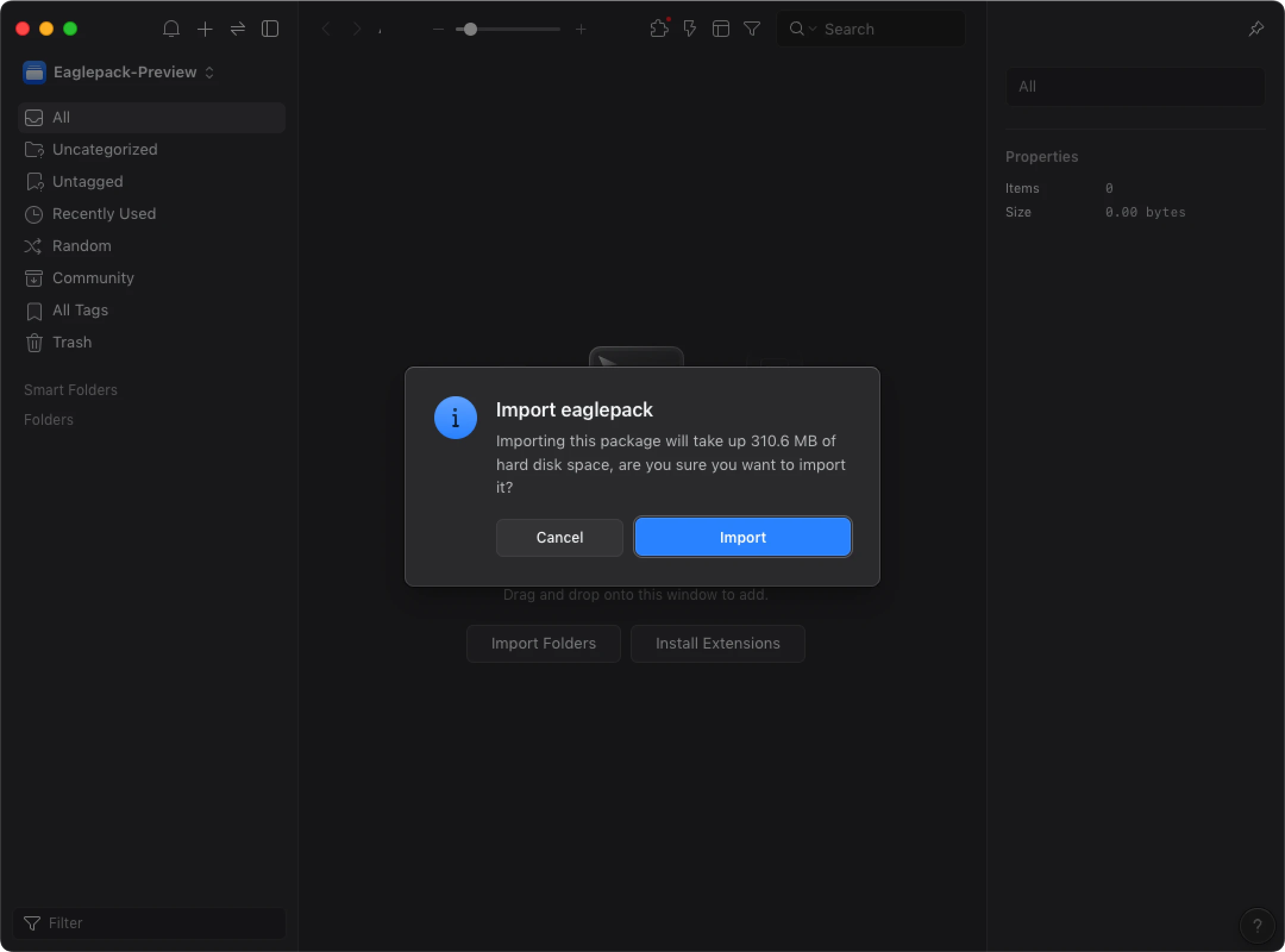
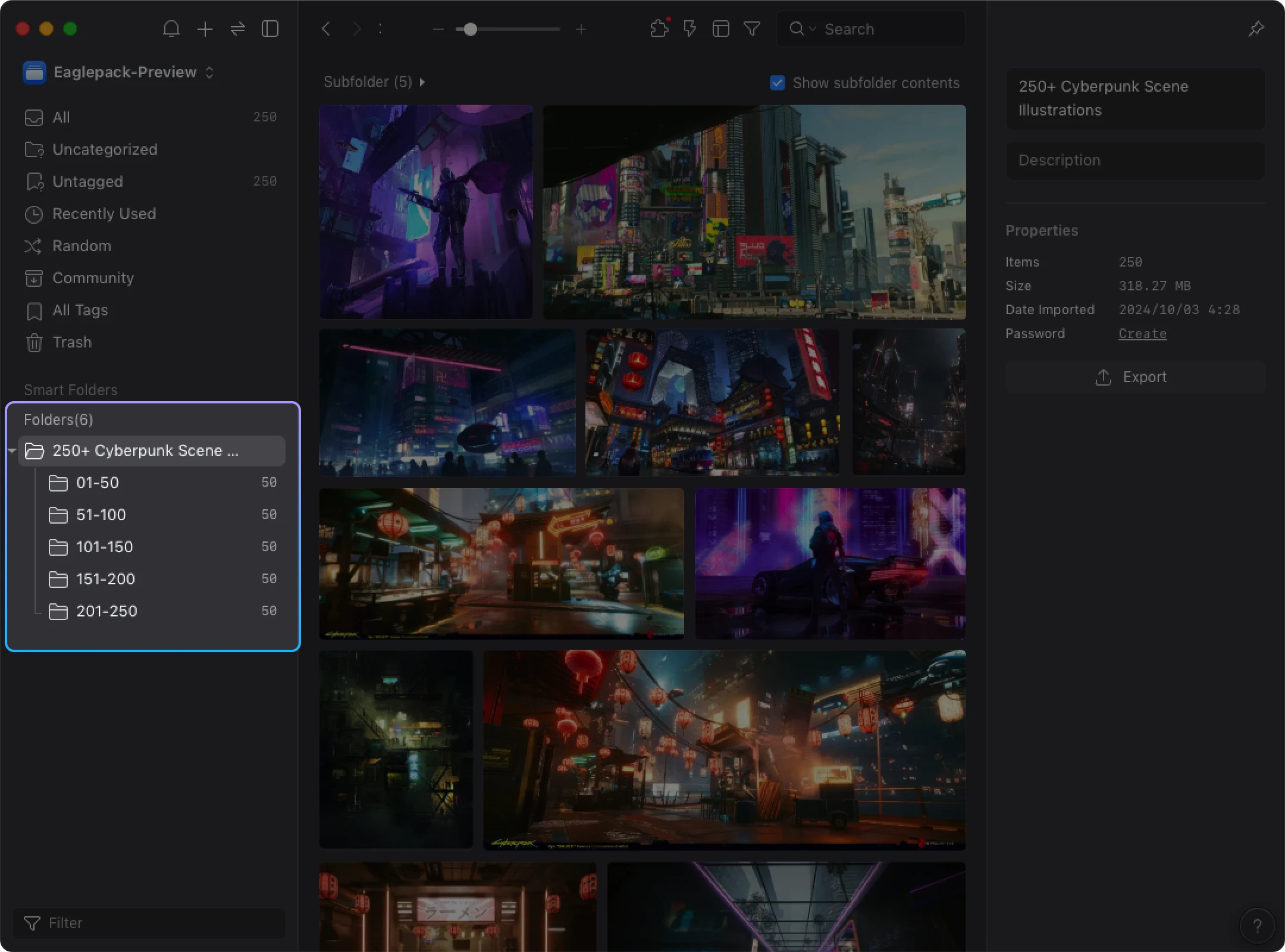
Import Files along with their folder structures
If you import an organized folder, Eagle will automatically generate a category just same as the original folder structure, the whole folder structure will also be kept so you don't have to categorize the folder again.